This section explains the setup function. Although we are using the ESP32, the software uses the Arduino library, so it follows the basic structure (setup function and loop function). Such structures, which seem like fixed rules, are often determined by the software framework being used. This means that when working within a different framework, you may need to use functions with different names. For instance, in the case of ESP32, it can also be programmed using “ESP-IDF,” a C language–based framework (while Arduino uses C++). The code tends to be longer than with the Arduino library, but it allows configuration of the microcontroller at the registry level and enables more detailed settings. Of course, even when using the Arduino library, there are options for finer configuration.
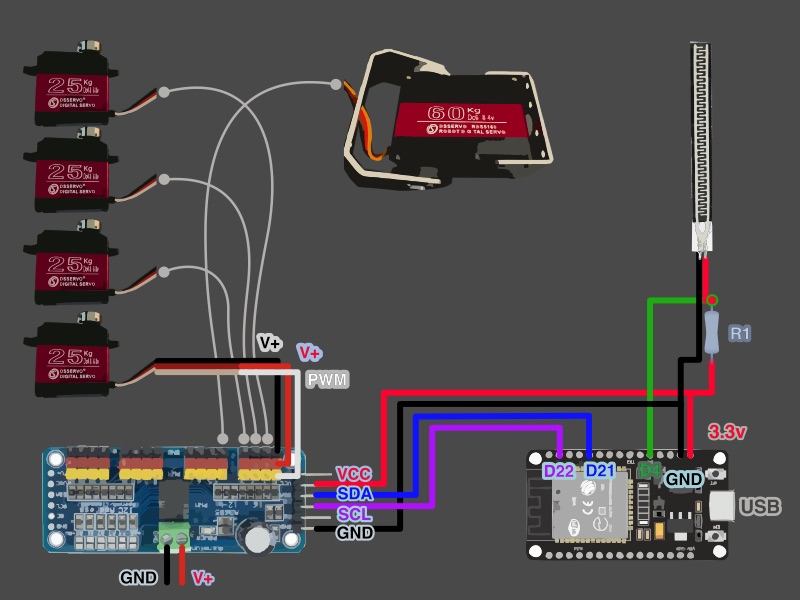
As described in the code comments, this part initializes Serial for output via USB and configures the pin for the sensor. It also sets the PWM cycle using the globally defined servo motor driver object. The servo motor used here can operate at a faster cycle, but for this exercise, it is set to 60 Hz.
Next, two tasks are created using the `xTaskCreatePinnedToCore` function. Previously, only handle variables were prepared, but here the task details are set and the created handles are registered. This function belongs to FreeRTOS, an operating system supported by the ESP32 for embedded systems, and it is called twice to create the two tasks.
A task, in essence, refers to a process that runs independently and continuously. Each task has its own execution loop. As a simplified image, you can think of it as if the setup and loop functions used in the Arduino library are contained within each separate task. The loop itself is written as a for loop without a condition, which means it will never terminate — it’s an infinite loop.
In the settings of the xTaskCreatePinnedToCore function, you need to specify the amount of memory that will be allocated for storing information related to this task. Naturally, the more complex the processing is, the more memory it will require. Since the ESP32 provides two cores, each task is assigned to a specific core number, which must be specified differently for each one.
Finally, note that the first argument of this function registers the name of the function that will be declared next. Inside this function, you will describe the two main operations you want the ESP32 to perform — reading sensor input and controlling the motor rotation.